
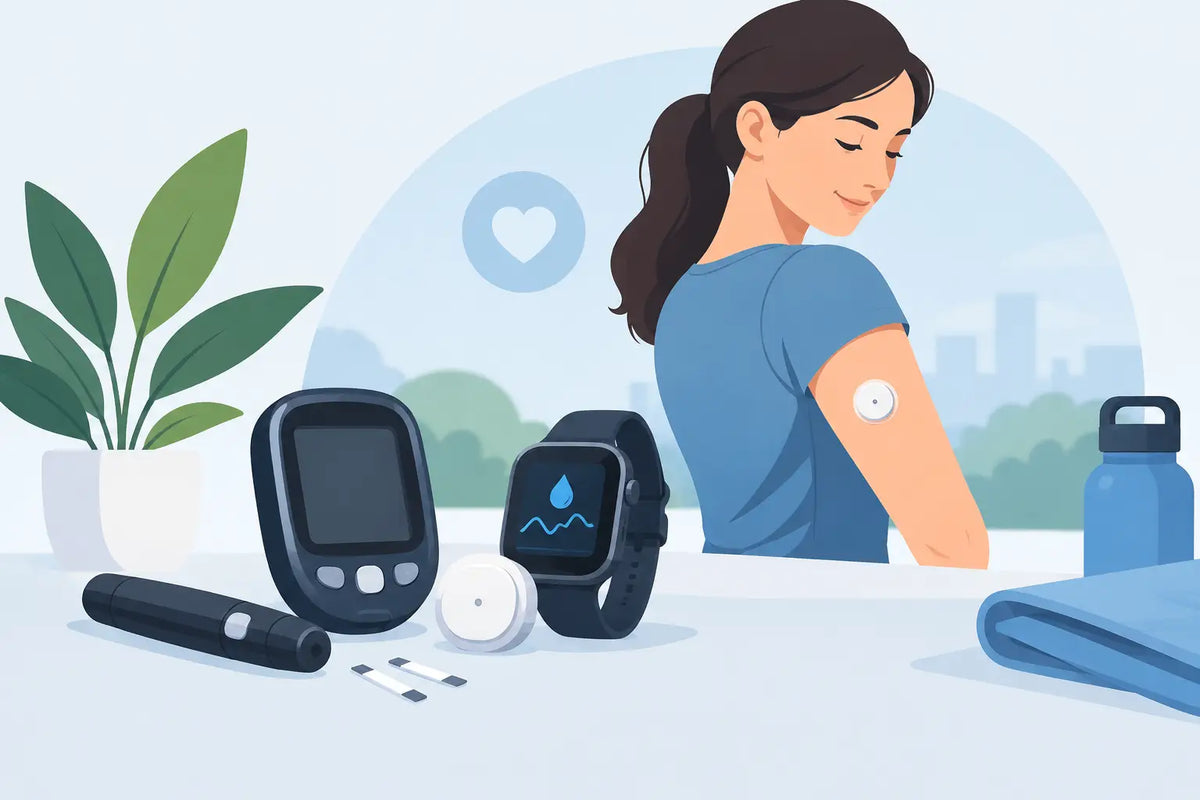
A sensor that starts lifting on day three can turn an ordinary shower, workout, or night of sleep into a distraction. The right diabetes device essentials are not about adding more products to your routine. They are about making device wear more secure, more skin-conscious, and easier to repeat through every sensor or pod cycle.
For CGM and insulin pump users, reliability is built before the device goes on. Skin condition, placement, movement, water exposure, and the quality of the adhesive all affect whether a sensor or pod stays where it belongs. A practical setup accounts for those variables without overcomplicating the process.
Diabetes Device Essentials Start With Skin Prep
Adhesive performs best on skin that is clean, dry, and free from lotion, body oil, sunscreen, or residue. This sounds basic, but it is often the difference between a secure site and a patch that begins to curl at the edges after a day or two.
Wash the intended site with mild soap and water, then dry it completely. If you use a skin-prep wipe, choose an option that fits your skin needs and allow it to dry fully before applying the device. Alcohol-free skin prep wipes can be a practical choice for people who find traditional alcohol-based products drying or irritating. The goal is not to scrub the skin aggressively. It is to create a clean, stable surface for adhesion.
Placement matters just as much. Follow your device manufacturer's approved insertion sites and rotation guidance. Areas exposed to frequent bending, tight waistbands, or repeated friction from clothing may create more stress on the adhesive. If a site repeatedly fails, the problem may be the location rather than the device itself.
Skin sensitivity adds another layer. Redness, itching, or irritation should not be ignored simply because a device needs to stay in place. Some people benefit from discussing barrier methods or alternative adhesives with their diabetes care team or dermatologist. A secure device should not require you to accept persistent skin damage.
The Patch Is a Performance Layer, Not an Afterthought
An overpatch is designed to support the device adhesive, especially when real life involves sweat, swimming, heat, active work, or frequent showering. For many people, it becomes a routine essential rather than an emergency fix.
A well-designed patch should match the specific device it supports. A patch cut for a Dexcom G7, Libre 3, Omnipod, or another model needs to leave the required parts of the device accessible while covering enough surrounding skin to distribute stress. A generic strip may provide some help, but a device-specific shape typically creates a cleaner, more dependable fit.
Material and adhesive quality matter. Look for patches made for extended wear that are waterproof and flexible enough to move with the body. Flexibility is not a cosmetic feature. A rigid patch can pull at the edges when you bend, reach, exercise, or sleep. Skin-conscious materials and breathable construction can also improve comfort over several days of continuous wear.
Application technique is part of performance. Apply the patch only after the sensor or pod is fully secured and the surrounding skin is dry. Smooth it outward from the center, pressing down the perimeter without stretching the material. Stretching can create tension that encourages lifting later. Give the adhesive time to set before a shower, swim, or strenuous activity when possible.
At OHMRX, device patches are designed around this everyday reality: practical coverage, waterproof hold, and compatibility for commonly used CGM and pump systems. The best patch is the one that does its job without becoming another thing to manage.
Build Your Routine Around Wear Cycles
CGM sensors and wearable insulin devices operate on schedules, and your supplies should follow them. Many patch users reorder every 10 to 14 days as sensor wear cycles end. Keeping a small buffer prevents rushed substitutions and makes each change day predictable.
Store your essentials together: devices, patches, skin-prep wipes, a backup meter if prescribed, charging supplies where applicable, and your clinician-recommended emergency glucose treatment. A dedicated pouch, drawer, or travel case reduces the chance that a sensor change becomes a hunt through several cabinets.
It also helps to check your device site during ordinary moments rather than waiting for an alert or failure. After a shower, exercise session, or clothing change, look for early edge lift, trapped moisture, or signs that the device has been bumped. Small adjustments are easier before an overpatch has fully peeled or a site becomes compromised.
This is especially useful for parents, caregivers, and anyone supporting a newly diagnosed user. The routine should be repeatable enough that another person can find what they need and follow the same steps without guesswork.
Prepare for Water, Sweat, and Friction
Waterproof does not mean indestructible. Long soaking sessions, hot tubs, intense sweating, and towel friction can all challenge adhesives. The practical response is preparation, not anxiety.
Before swimming or a high-sweat workout, confirm that the device and patch edges are firmly attached. Afterward, pat the area dry instead of rubbing it with a towel. If an edge starts to lift, avoid repeatedly pressing it with wet fingers or adding random tape directly over a device opening. Use the device manufacturer's instructions and your established backup plan.
Clothing can be another source of friction. Backpack straps, bra bands, waistbands, sports equipment, and fitted sleeves may repeatedly catch the same site. Consider site rotation that accounts for your daily movement, not just the location that was convenient at insertion time.
Keep a Travel-Ready Backup Kit
Travel is where small supply gaps become major inconveniences. Pack more than the exact number of devices you expect to use, especially when flying, driving long distances, or spending time outdoors. Delays happen. Sensors fail. A patch can catch on a doorframe. The extra supplies are there to keep one disruption from taking over the trip.
A compact kit should include replacement patches, skin-prep wipes, device supplies, charging cables or batteries if needed, and the diabetes medications and safety supplies your care plan requires. Keep critical items in your carry-on rather than checked luggage. Temperature exposure, lost bags, and schedule changes are easier to manage when your core supplies stay with you.
If you use a phone for CGM readings, bring a charging option and consider what you would do if the phone is unavailable. Your device instructions and care team can help you decide on an appropriate backup monitoring plan.
Know When Adhesion Is Not the Only Issue
Not every device problem is an adhesive problem. Repeated early sensor failures, unexpected readings, pain at the site, bleeding, swelling, warmth, drainage, or significant rash deserve attention beyond a new patch. Follow the manufacturer's instructions for troubleshooting and contact your diabetes care team when symptoms or device concerns warrant it.
It is also worth separating convenience from clinical decision-making. A patch can help keep a device secure, but it does not replace proper insertion technique, approved site rotation, glucose confirmation guidance, or the directions provided by your device manufacturer. If a reading does not match how you feel, follow your prescribed plan for checking and responding.
The strongest diabetes device routine is usually the simplest one: clean, dry skin; a compatible device-specific patch when needed; supplies organized by wear cycle; and a backup plan that travels with you. When those basics are handled consistently, your technology has a better chance to stay focused on its actual job - helping you manage diabetes with fewer avoidable interruptions.



Leave a comment
This site is protected by hCaptcha and the hCaptcha Privacy Policy and Terms of Service apply.