
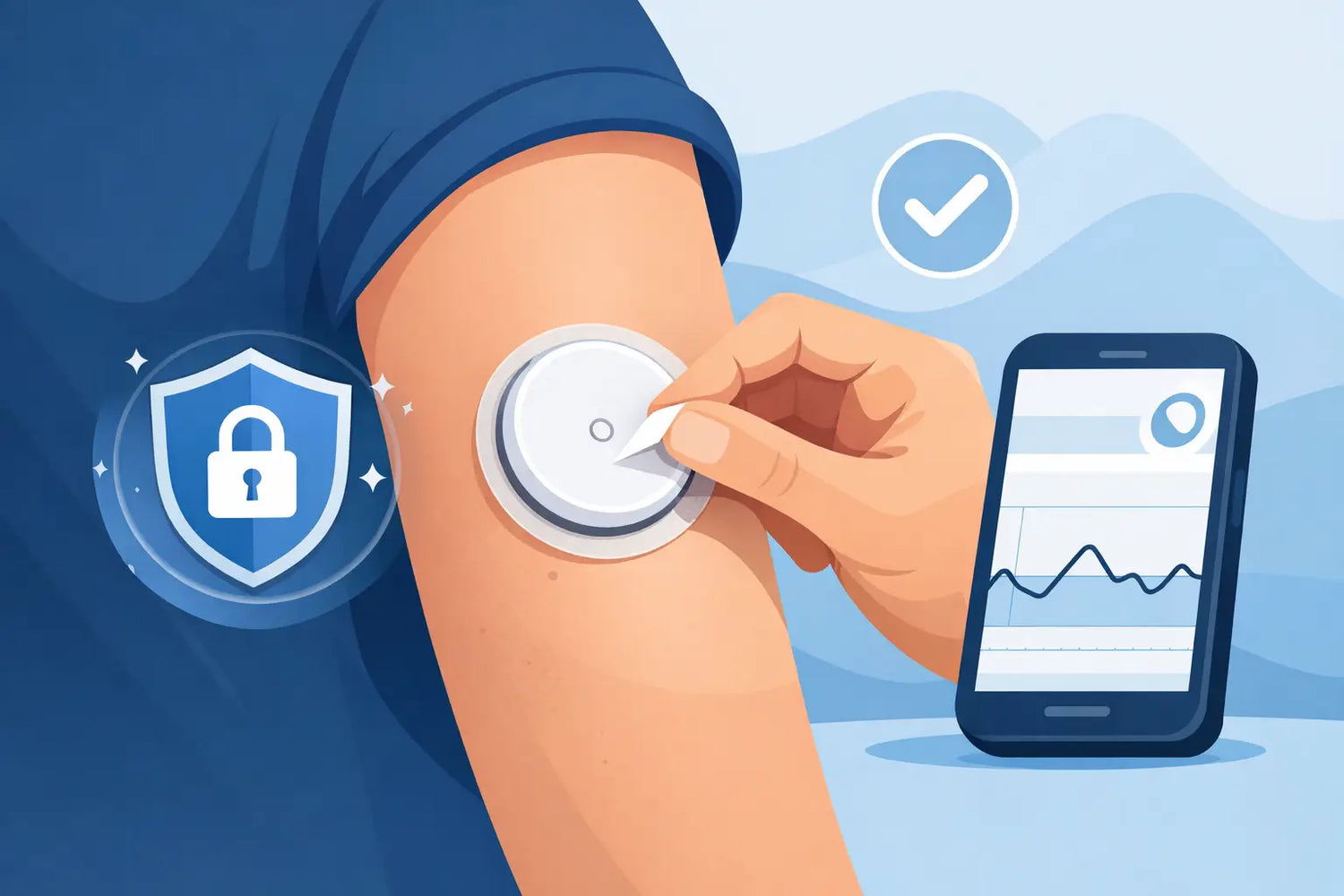
A Libre sensor is designed to stay in place through normal daily life, but Libre sensor edges peeling can start with one lifted corner and quickly turn into a wear-time problem. Sweat, friction, showering, clothing, and skin oils all place stress on the sensor adhesive. The goal is not to ignore a lifting edge or press a failing sensor back into place. It is to protect secure adhesion early, without interfering with the sensor or your skin.
Why Libre Sensor Edges Start Peeling
The adhesive around a Libre sensor has to work on moving skin for up to the full sensor wear period. The back of the upper arm is practical for sensor placement, but it is also exposed to arm movement, shirt sleeves, seat belts, exercise equipment, towels, and sleep positions. Repeated rubbing can catch an edge that was initially well secured.
Moisture is another common cause. A shower, pool session, humid weather, or an intense workout can soften the adhesive at the perimeter. Sweat and natural skin oils may reduce how firmly the adhesive bonds, particularly if the site was not fully dry before application.
Application conditions matter, too. Lotion, body oil, sunscreen, or residual soap can create a barrier between skin and adhesive. Even an alcohol wipe that has not dried completely can affect the initial bond. Some people also find that sensors placed immediately after a hot shower, or after using a heavy moisturizer, are more likely to lift early.
Finally, peeling may simply reflect the demands of your routine. A sensor that stays secure during a quiet workweek may need more reinforcement during travel, summer activities, strength training, swimming, or a physically demanding job. That is not a failure of your diabetes routine. It is a signal to adjust your skin preparation or use a compatible retention solution.
What to Do When a Libre Sensor Edge Is Peeling
Start by checking whether only the outer adhesive edge has lifted or whether the entire sensor is loose. If the sensor is still flat against the skin, functioning normally, and only a small edge is beginning to lift, an appropriately designed overpatch may help reduce further catching and friction.
Do not attempt to remove the sensor and reapply it. Do not use household tape, glue, or an adhesive product not intended for skin and device wear. These materials can irritate the skin, trap moisture, leave difficult residue, or cover parts of the sensor that should remain unobstructed.
If the sensor is visibly detached, moving substantially, painful, bleeding, or no longer reading as expected, follow the current Libre Instructions for Use and contact the manufacturer or your diabetes care team for guidance. A sensor that has come out should not be pushed back into the skin. If your glucose readings do not match symptoms or a fingerstick result when one is available, use your care plan and seek medical advice as appropriate.
Use an Overpatch Before the Lift Spreads
A CGM overpatch is a practical option when the sensor is secure but the edges are vulnerable to friction or moisture. It is designed to sit around and over the sensor adhesive, helping distribute the pull that would otherwise concentrate at one edge.
The fit matters. Choose a patch specifically made for your Libre model, since Libre 2, Libre 3, and other compatible devices can differ in size and profile. It should be breathable, skin-conscious, and engineered to remain in place through normal showers, sweat, and movement. Always review the patch instructions and your sensor manufacturer’s current guidance before use, particularly to confirm that the patch does not obstruct any required sensor area.
For many people, applying an overpatch shortly after inserting a new sensor is easier than waiting for peeling to begin. This preventive approach is especially useful if you already know your sensors tend to catch on clothing or lift during workouts. A waterproof CGM patch from OHMRX is designed for that real-life retention need, helping secure compatible devices without turning every sensor change into a repair job.
Build Better Adhesion Into Your Sensor Routine
The best time to prevent peeling is before the applicator touches your skin. Think of sensor adhesion as a repeatable setup process, not a matter of luck every 10 to 14 days.
Choose a site on the back of the upper arm that is clean, dry, and free from irritation, scars, or active rash. Rotate sites according to your device instructions and clinician guidance. Avoid an area where a waistband, bra strap, bag strap, or favorite sleeping position repeatedly presses against the sensor.
Wash the area gently if needed, then dry it completely. Do not apply lotion, oil, sunscreen, or body butter near the site before insertion. If you use a skin prep product, follow its instructions carefully and allow it to dry fully. The skin should feel dry to the touch before you apply the sensor.
After application, press the sensor applicator firmly as directed and give the adhesive time to bond. Avoid immediately testing the edges, pulling at the device, or covering it with damp fabric. If your routine allows, insert a new sensor when you have a short window before exercise, showering, swimming, or heavy sweating.
Small Habits That Reduce Snagging
You do not need to avoid normal activity to wear a CGM. You may, however, need to account for the points where your sensor meets your routine. When drying off, pat around the sensor rather than rubbing it aggressively with a towel. Be deliberate when pulling on fitted shirts, changing clothes, or carrying a shoulder bag.
During exercise, consider whether arm movements, compression garments, or equipment repeatedly contact the sensor area. For swimming and extended water exposure, an overpatch can provide another layer of retention, but it is still wise to check the edges afterward. Waterproof does not mean indestructible, especially when chlorine, saltwater, heat, and friction occur together.
If you wear long sleeves, look for fabrics and fits that do not constantly drag across the sensor. A small adjustment in how you dress, sleep, or carry a bag can make a meaningful difference over a full sensor session.
When Skin Sensitivity Is the Bigger Issue
Not every lifting edge is caused by poor adhesion. Sometimes the skin beneath or around the adhesive becomes itchy, red, tender, or blistered. In that situation, adding more adhesive may not be the right answer.
Remove or avoid products that cause a reaction, and speak with your diabetes care team or dermatologist about persistent irritation. They can help identify whether the issue may be contact dermatitis, friction, moisture, or another skin concern. Ask before using barrier films, adhesive removers, or alternate placement strategies, since the right approach depends on your medical history and your specific sensor instructions.
A patch should support comfort as well as retention. If an overpatch pulls at your skin, leaves a rash, or feels increasingly uncomfortable, do not force it through the full wear period. Skin integrity matters, particularly for people who rely on CGM technology continuously.
Know When to Replace Rather Than Reinforce
An overpatch can help protect a secure sensor. It cannot make a detached sensor reliable again. If the sensor is hanging, the adhesive pad has significantly released, or the device is no longer stable against your skin, treat that as a device issue rather than a cosmetic one.
Also pay attention to sensor performance. Repeated error messages, readings that seem inconsistent with how you feel, pain at the insertion site, swelling, warmth, drainage, or signs of infection deserve prompt attention. Follow your diabetes plan for confirming glucose when needed, and contact your healthcare professional for symptoms that concern you.
Peeling edges are frustrating because they can make a carefully planned sensor cycle feel uncertain. A cleaner application routine, a compatible overpatch, and quick attention to early lifting can make wear time more dependable. The right setup is the one that keeps your sensor secure while respecting your skin and the reality of your day.



Leave a comment
This site is protected by hCaptcha and the hCaptcha Privacy Policy and Terms of Service apply.